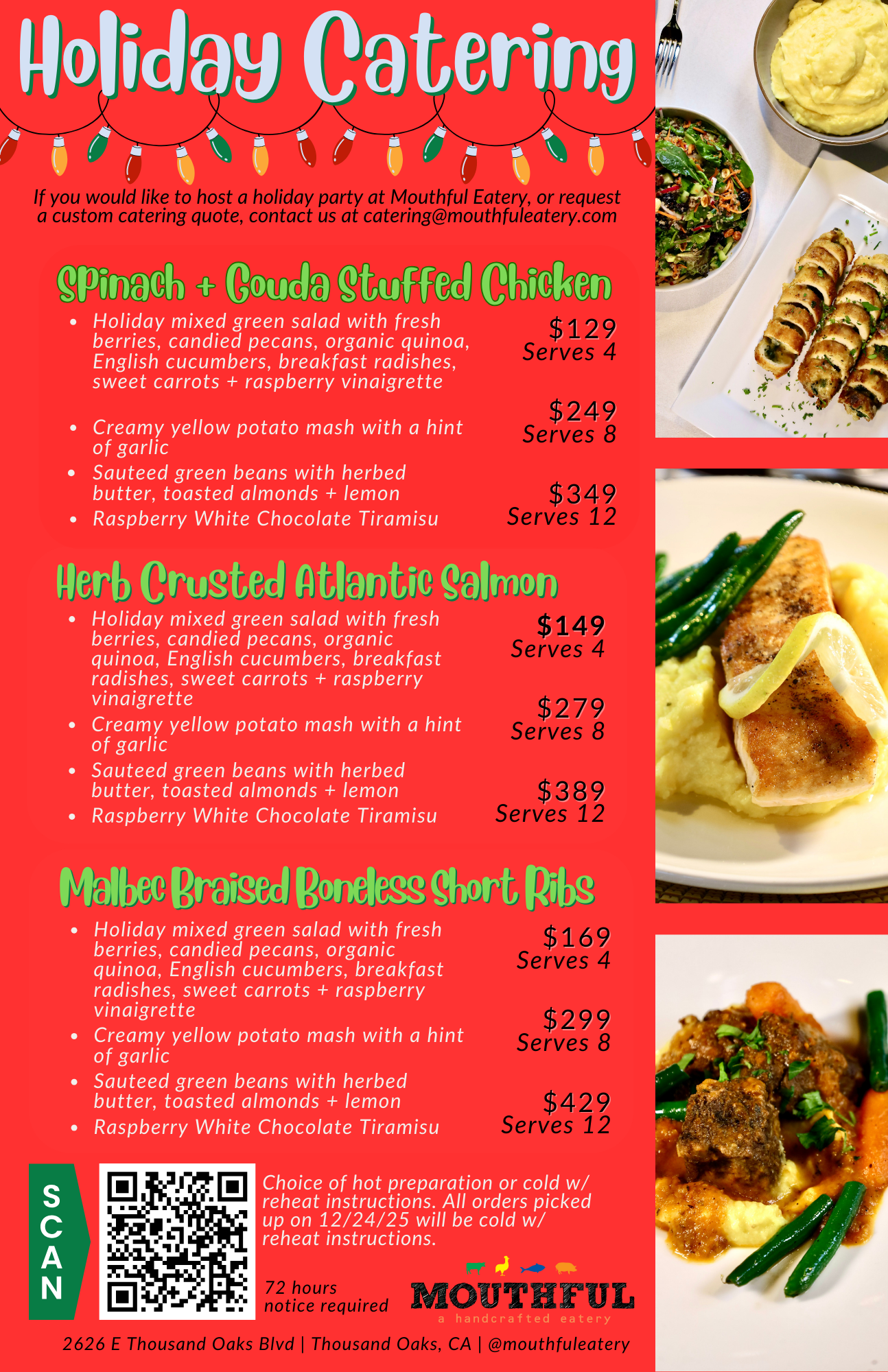
Below you will find a step-by-step guide on how to place a HOLIDAY DINNER order online.
Step 1: Click the “Order Holiday Dinner” button below.
Step 2: Select “Order Now” and then “Submit”
*this is important. Holiday orders can only be placed during business hours. Mon - Sat 11am-8pm, Sun 11am - 3pm.
Step 3: Where is says “Choose A Menu”, select HOLIDAY from the drop down menu
Step 4: Click on “Pick Up Time”
Step 5: Select your preferred pick up time from the available items and click “Add To Cart”
Step 6: Add all the items you would like to order.
Step 7: When your order is complete, click the “Checkout” button on the bottom.
Step 8: Enter all your details, payment information, review your order, and if you want enter a tip for our staff.
Step 9: Then click “Submit” at the bottom of the page.
CONGRATS! Your HOLIDAY DINNER order has been placed and is on it’s way to us!
*We appreciate your continued patronage! Please note that Thanksgiving orders will not apply to the loyalty program.